
VIX-13, a custom bit for Berserk B.I.T.S
Berserk B.I.T.S is an idle/auto-battler game (with clear inspiration from the Mega Man Battle Network series) created by BerserkBoy games, which allows users to create custom characters by replacing the player sprites.
Once I downloaded it, I immediately wanted to try making my own character, and settled on the OC Vixie, created by my friend, Millie. You can find more about Vixie here. I specifically used VIX-13, the robot version of Vixie, as the inspiration, and this sketch of VIX-13, as the basis for the character mugshot. Here are some more images of VIX-13 in-game as well as the custom BIT file and instructions below.
Many thanks to Millie for the inspiration, suggestions and encouragement during development, the use of the VIX-13 sketch for the mugshot, and being a good friend!
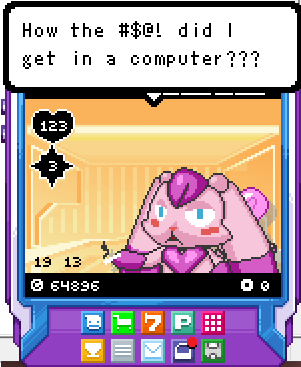
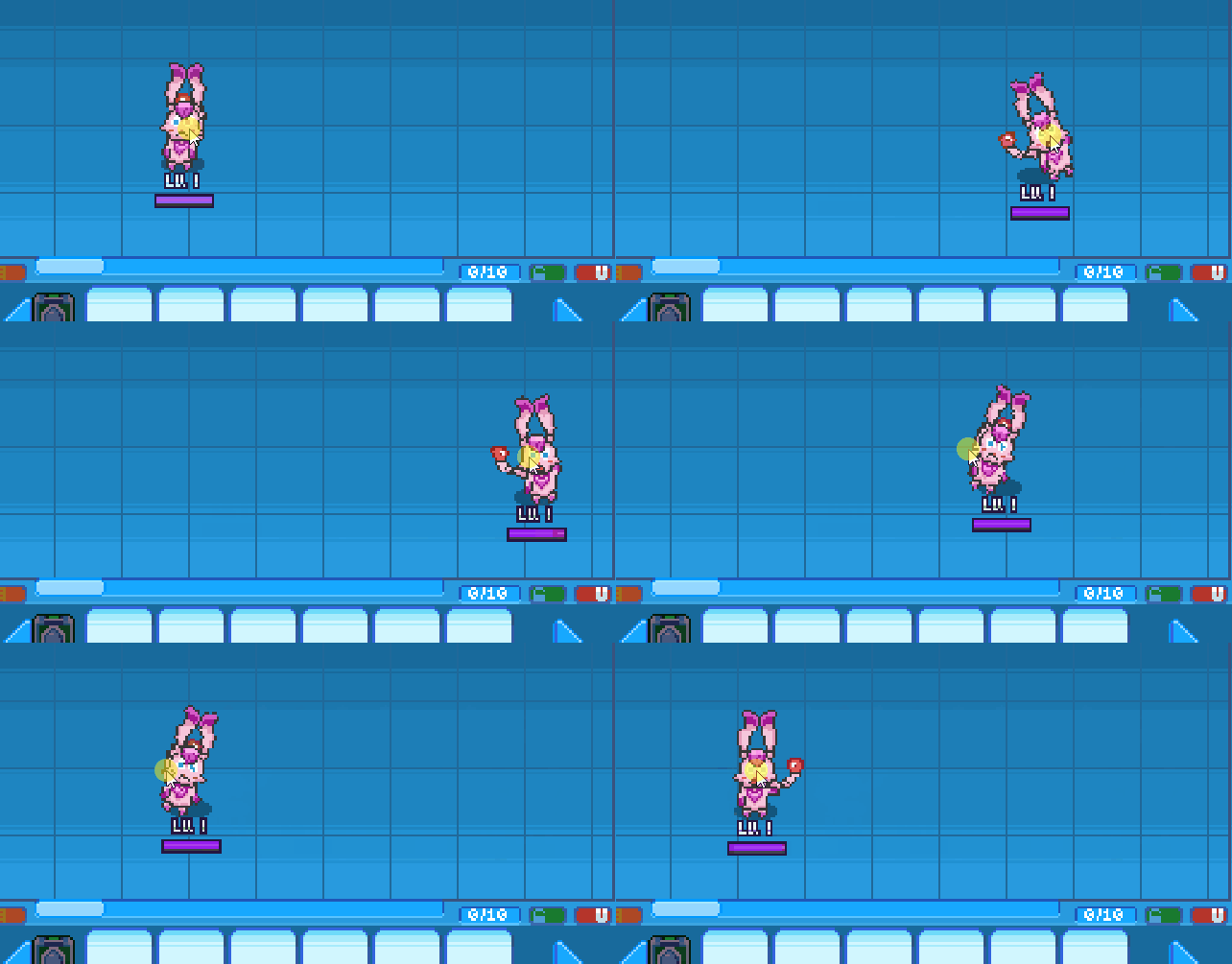
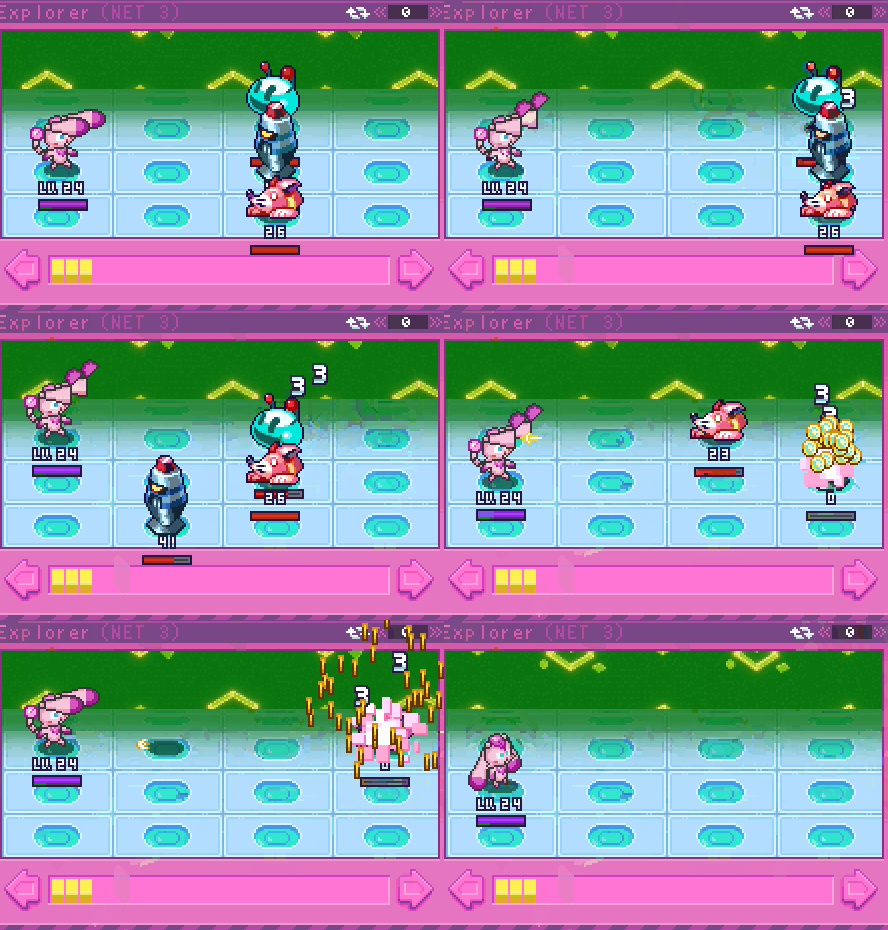
Download: VIX-13 Custom BIT
To use:
- Unzip the Custom BIT file to a location you can leave it.
- Start Berserk B.I.T.S and create or load a save file with the “Custom Bit” character.
- Once the game has loaded, select the pencil icon to the top-left of the Bit character screen.
- Select the “bitConfig.ini” file from the unzipped folder.
- (optionally) Open the Berserk BITS game files and replace data/babble.json with the babble.json file included in the zip to have your Bit say official VIX-13 Catchphrases like, “Got any cigarettes?”
Following these easy steps will capture Vixie’s soul and imprison it in your desktop!